Choose a quiet space
Make sure there is no music, background noise or other people talking. Close the windows.
Practical tips for making the voice recording.

Voice recording guide
Your voice recording is part of a professional assessment. Take the time to do it carefully. A good recording is important for the analysis.
This guide explains how to prepare, check your device settings and make your recording.
Make sure there is no music, background noise or other people talking. Close the windows.
Do not use earphones or a headset. Speak directly into your device’s microphone.
Make sure your battery has enough charge and prevent your device from going to sleep during the recording.
Expand the instructions for your device below.
The models and versions listed are taken from the supplied instructions. Menu names may differ on your device.
iOS 15 to 17 · iPhone 8 to 15
Android 11 to 14 · Galaxy S10 to S24, A52 and later models as listed in the instructions
Pixel 5 to 8
According to the supplied instructions, follow the same steps as for Samsung:
Including OnePlus, Xiaomi and Motorola
Open the video separately · approximately 3 seconds
Hold your device flat, with its microphone 2 cm from your mouth. Keep this distance constant throughout the recording. This also lets you see what the recorder is doing.
The recorder indicates when the data is being sent. For some people this happens around 80, for others around 120. Always follow the recorder’s signal.
Speak naturally, as if you were talking to a coach.
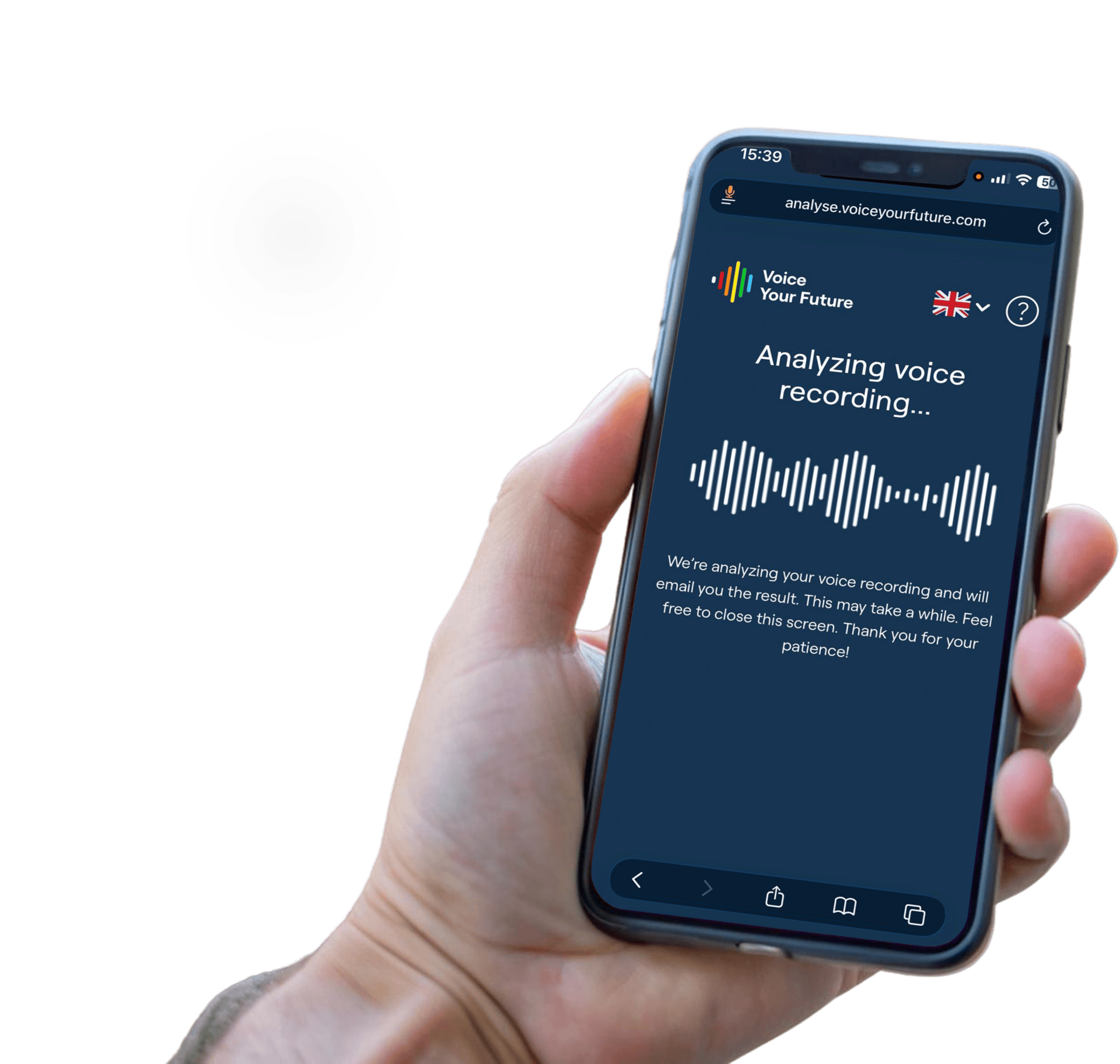
When you see ‘Analyzing voice recording…’, your recording is complete and is being analysed. You can now close this screen.